How do businesses personalize proactive messages or alerts?
Using Customer Profile and Behavior Data
• Businesses analyze user profiles to tailor messages based on role or industry
• Behavior tracking reveals patterns that trigger specific alerts or tips
• Personalization includes using the customer’s name and product context
• System activity such as login frequency informs timing and tone
• Preferences like language or communication channel guide delivery method
Segmenting Users for Targeted Engagement
• Users are grouped by lifecycle stage, such as new, active, or at-risk
• Segments help send relevant guidance—for setup, usage, or renewal
• High-value accounts may receive priority alerts with white-glove support
• Different regions receive localized alerts based on time zone or usage trends
• Product plan tiers determine the level of detail or frequency of messages
Triggering Messages Based on Usage Events
• Alerts are sent when users skip important steps in a process
• Feature-specific prompts appear when a user hasn’t engaged in a while
• Error messages are followed by contextual solutions or tutorials
• Drop-off or inactivity triggers re-engagement messages with helpful tips
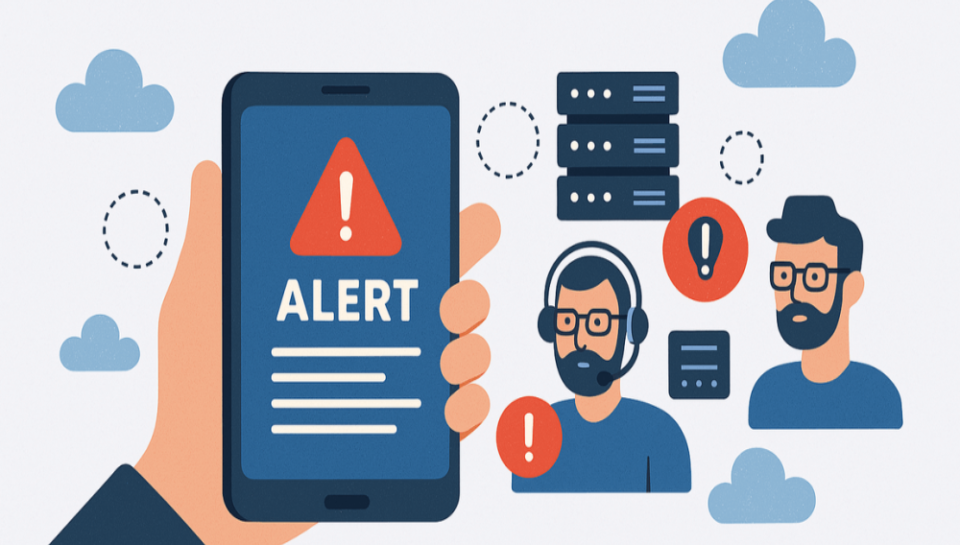
• System issues detected in real time prompt immediate notifications
Automating Personalization Through Tools
• CRM systems integrate user data with automation for timely outreach
• Customer success platforms map journey stages and schedule custom nudges
• Email automation tools deliver behavior-based messaging campaigns
• In-app guidance tools display tips based on feature navigation
• AI and machine learning predict needs and recommend content or solutions
Maintaining a Human Touch in Messaging
• Messages are written in a conversational, empathetic tone
• Support agents may follow up with personalized help offers or sessions
• Templates are adapted to reflect the customer’s past interactions
• Surveys or feedback requests are framed to feel relevant and sincere
• Human-backed automation ensures messages are timely, not robotic