

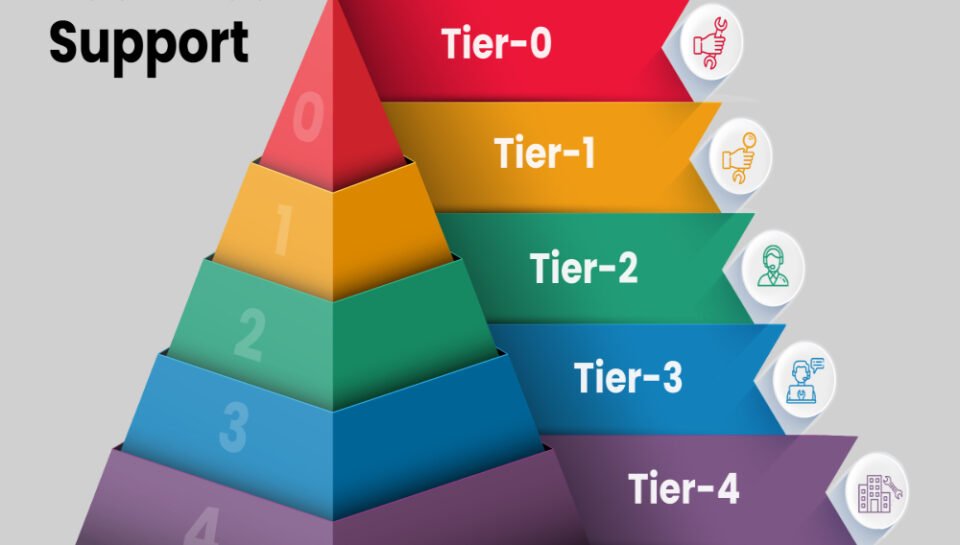
What types of issues are handled at each technical support level?
General User Assistance and Initial Contact
• Help with login problems, password resets, and locked accounts
• Step-by-step instructions for basic software installation or setup
• Support for connecting printers, scanners, or external drives
• Answers to general usage questions and policy inquiries
• Guidance on accessing email or internal portals for the first time
Software and Hardware Troubleshooting
• Diagnosing non-critical software malfunctions and configuration errors
• Troubleshooting desktop application issues like slow performance or freezing
• Support for internal communication tools or file-sharing problems
• Assistance with mobile device syncing and app crashes
• Minor hardware checks such as keyboard, mouse, or screen malfunction
Advanced System and Network Issues
• Handling escalated issues that require detailed technical analysis
• Investigating OS-level errors, service crashes, or blue screen problems
• Supporting enterprise software with multiple user dependencies
• Resolving firewall and VPN configuration problems
• Coordination with vendors for hardware repair or software patching
System Administration and Configuration Management
• User profile management, permissions, and access control in servers
• Network monitoring and internal server communication problems
• Support for database connectivity, backup failures, or sync delays
• Help with email server configurations and security enforcement
• Overseeing cloud storage access and multi-device integration
Strategic and Root Cause-Level Technical Support
• Root cause analysis for recurring or critical infrastructure issues
• System-wide disruptions involving application-wide downtime
• Liaison with development teams to address bugs or deploy hotfixes
• Infrastructure health reporting and performance tuning suggestions
• Providing change control documentation and incident closure reports